
Last reviewed: October 17, 2025
You just cut over a bunch of voice and data circuits and the first invoice batch has mismatched usage and tax lines. The AR team is calling. The customer is asking for credits. This checklist helps you stop that from happening.
TL;DR ConnectWise and Datagate integration should be a short, repeatable preflight, not a firefight. Run these 10 steps to validate entities, mapping, rating, taxes, invoice sync, error handling, and first-invoice reconciliation. Expect to self-audit readiness in 30 minutes and reduce disputes on day one.
Why proper ConnectWise–Datagate integration matters now
MSPs are consolidating services, adding cloud voice, and charging usage by the minute. That adds rating rules, tax lines, and many more invoice rows. When usage, taxes, or product SKUs don’t line up between rating and your PSA, invoices slow, disputes rise, and cash sits in AR.
One partner’s mis-mapped tax code can produce hundreds of credit requests. A short preflight saves hours of rework. Imagine a single daily export from Datagate that reconciles to ConnectWise invoices with the right tax engine and clean line-item descriptions. That’s operational speed, fewer disputes, and faster cash collection.
Our point of view: treat integration as preflight, not project
Our POV is simple: integration projects fail when they are treated as big-bang conversions. Break the work into small verifiable steps. Validate entities first, then mapping, then a dry-run rating, then tax validation, then invoice export and reconciliation.
Trade-offs: spend 2–4 hours upfront mapping and you save days resolving disputes later. If you rush mapping to meet a billing date, plan a compensating control — for example a manual review of the first 3 invoice batches. If your PSA team prefers strict product catalogs, plan an annotations layer in Datagate rather than changing upstream SKUs.
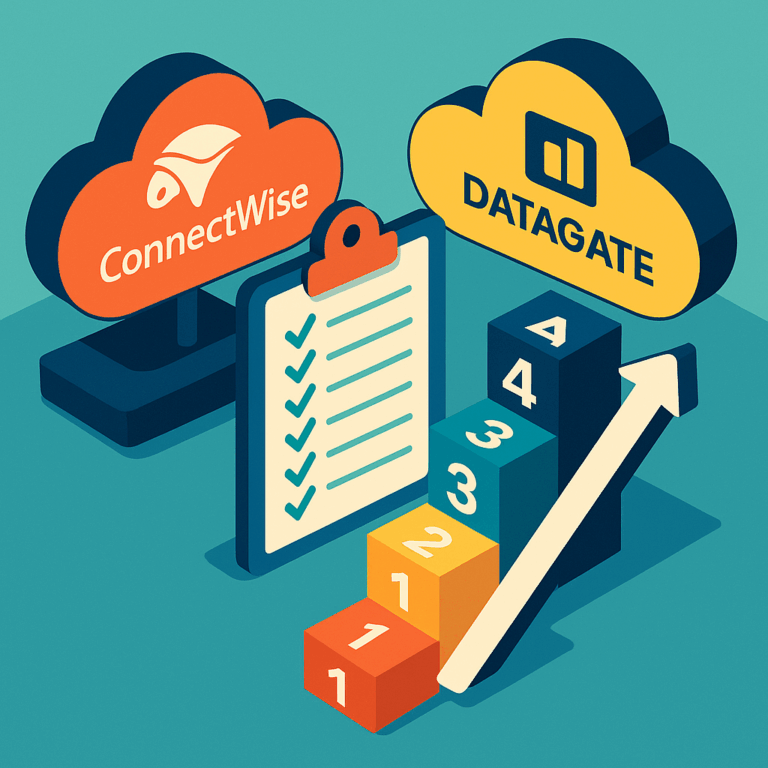
10-step integration checklist (the practical preflight)
- Confirm system identities — Match ConnectWise company IDs, locations, and account numbers to Datagate customer entities. Use the PSA internal ID field as the canonical key. Assumes a mid-market PSA setup.
- Align product catalog — Map Datagate rated products (e.g., voice-minute, SIP trunk, static IP) to ConnectWise service items or service bundles. Add a fallback SKU for unmatched lines.
- Map usage fields — Verify the CDR/usage import maps to rating inputs (start, duration, bytes, direction). Check sample rows in Datagate before running bulk imports.
- Define rating rules and rounding — Validate per-minute rounding, minimum charges, and billing intervals in a 10-minute test trace for voice and data. Document the rounding method in ConnectWise item notes.
- Validate tax engine and jurisdiction — Confirm which tax engine Datagate will call (for example, state telecom tax provider). Run a sample rated invoice for three different jurisdictions to confirm tax lines. For background on communications tax complexity, see What is communications tax.
- Set invoice line formatting — Choose whether to consolidate usage into summary lines or push full line-item detail to ConnectWise. Agree on the description field and a consistent date label.
- Test export and import — Do a dry-run export from Datagate to a ConnectWise sandbox. Confirm the invoice status, invoice number, and AR account mapping. If you don’t have a sandbox, export to a staging company in ConnectWise.
- Error handling and alerts — Configure automatic retry and an error queue for failed exports. Create a simple ticket template in ConnectWise for failed invoices with a link back to the raw CDR file in Datagate.
- First-invoice reconciliation — Before posting the first live invoices, run a reconciliation report that compares rated totals to posted ConnectWise invoice totals and tax totals. Flag any >1% variance for manual review.
- Post-cutover SLA and monitoring — Define a 14-day SLA for invoice disputes, monitor daily export logs, and run weekly reconciliation for the first 90 days.
Figure — Swimlane: Datagate (CDR ingestion → rating → tax engine) → ConnectWise (invoice import → AR) → Accounting (export to QuickBooks/Xero). The swimlane should show two control points: tax validation and first-invoice reconciliation.
Want a downloadable checklist? Use the one-page map in our preflight pack for a 30-minute readiness self-audit. Include your internal product names and a sample invoice number column.
For connectors and PSA compatibility, see our integrations hub: /integrations.
How this helps the teams you care about
Revenue operations wants predictable pipeline math. Confirming entity and SKU mapping shortens time-to-MQL for services that require provisioning. Demand and marketing ops benefit when usage descriptions are consistent — personalization and upsell campaigns pull correct product names. CRM admins get fewer hygiene tickets when mapping is done once and enforced by an annotations layer.
Practical example: a VP of Revenue Ops asks for “fewer disputes on month-end.” Run steps 1, 2, 5, and 9. That reduces tax/usage mismatch disputes by catching jurisdiction or SKU mismatches before invoices reach customers.
How Datagate helps — Outcome: clean, rated invoices that sync into ConnectWise with tax lines intact. How: Datagate consolidates multi-provider usage, runs telecom-grade rating and taxes, and exports mapped invoice lines into PSA. Book a 15-minute first-invoice review.
Common objections and pitfalls — and how to handle them
“We can’t change our ConnectWise SKUs.” Fine. Add a Datagate annotation layer that maps rated SKUs to ConnectWise items. Don’t change catalog strategy at cutover unless you have time to test.
“Taxes are different per state.” They are. Validate at least three jurisdictions you bill to. When in doubt, flag the tax line in your review workflow and route disputes to a tax specialist. For a primer on communications tax, consult an authoritative tax engine or advisor; see communications tax overview.
“We need real-time rating.” If you need near-real-time, verify that your Datagate export cadence and ConnectWise import process match SLA expectations. Consider smaller, frequent exports during ramp instead of one large batch.
First-invoice checklist (what good looks like)
- Entities matched and validated
- Top three billing jurisdictions tested
- Invoice descriptions match sales catalog
- Export tested to ConnectWise sandbox or staging
- Reconciliation variance under your threshold
FAQ
Q: How long does the preflight take?
About 30–120 minutes for validation if you have access to sample CDRs and a ConnectWise sandbox. If you lack a sandbox, allow extra time for a staging company approach.
Q: Do I need a separate tax engine?
No. Datagate supports telecom tax integrations. Our recommendation: validate taxes across representative jurisdictions during step 5 and document exceptions for complex accounts.
Q: What if usage volumes are huge?
Batch exports and summary-line options exist. Start with summary lines for ramp, then increase detail as reconciliation matures.
Sources
Disclaimer: This article provides general information, not tax or legal advice. Confirm requirements with your advisors and applicable regulations.